Last updated: November 24, 2026
Have you just arrived in South Korea and need a taxi, but you don't have a Korean phone number? Perhaps you are standing outside a train station with heavy luggage, leaving a restaurant late at night, or trying to reach your hotel after a long flight.
The good news is that you can take a taxi in South Korea without a Korean phone number. You do not necessarily need a Korean SIM card, a Korean bank account, or the ability to speak Korean.
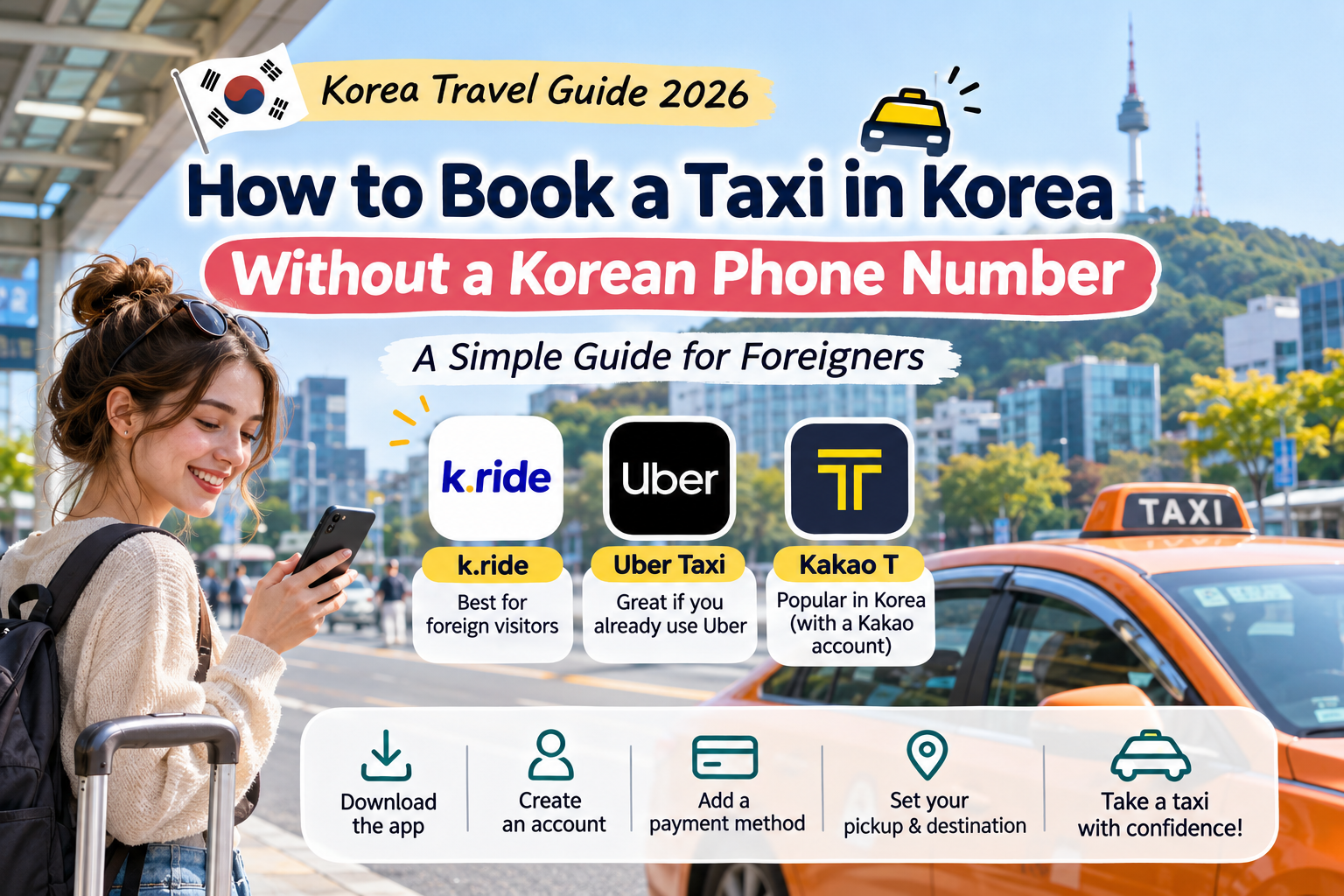
Several taxi apps are available for international travelers. This guide explains which apps to use, how to request a ride, how to pay, and what to do if something goes wrong.
- Best app to try as a first-time visitor: k.ride
- Already using Uber at home? Try Uber Taxi.
- Already have a working Kakao account? Try Kakao T.
- No internet connection? Use a taxi stand or ask your hotel for help.
You do not need a Korean phone number for every taxi service. However, some apps may still require verification using your international phone number.
1. Which Taxi App Should Foreigners Use in Korea?
The three main options worth considering are k.ride, Uber Taxi, and Kakao T. They have different registration and payment requirements.
| Feature | k.ride | Uber Taxi | Kakao T |
|---|---|---|---|
| Best for | International visitors | Existing Uber users | Users with a working Kakao account |
| Korean phone number | Not generally required | Not generally required with an existing account | Verification may vary |
| English support | Yes | Yes | Available, but some features may vary |
| Payment | Eligible international cards and supported digital payments | Available methods in the app | In-app or direct payment, depending on ride type |
For short-term visitors, k.ride is a particularly useful starting point because it was developed specifically with international travelers in mind.
2. How to Use k.ride: A Taxi App for International Visitors
k.ride is operated by Kakao Mobility, the company behind one of Korea's major taxi platforms. It offers an international-friendly interface and supports communication across different languages.
Step 1: Download the app
Open the Apple App Store or Google Play Store and search for k.ride. Make sure the developer is Kakao Mobility.
Official website: k.ride Official Website
Step 2: Create your account
Choose an available registration method, such as Google, Apple, or email. Enter the requested personal information and complete any required verification.
You may need access to your international mobile number to receive a verification code. A Korean mobile number is not generally necessary.
Step 3: Add a payment method
Register an eligible international credit or debit card, or another supported payment method displayed in the app.
If your card is rejected, check whether international and online transactions are enabled through your bank.
Step 4: Set your pickup location
Allow location access and check your pickup point on the map. You can also adjust the map pin if the automatic location is incorrect.
If you are at a shopping mall, hotel, or railway station, specify the correct entrance whenever possible.
Step 5: Enter your destination
Search for your hotel, restaurant, tourist attraction, or street address. If the English name does not appear, copy and paste the Korean address from NAVER Map.
Step 6: Select a taxi and confirm
Review the available vehicle types, estimated fare, and pickup information. Choose the option that suits your budget and luggage requirements, then confirm your request.
Step 7: Meet your driver
Once a driver accepts your request, check the vehicle's license plate and other details displayed in the app before getting in.
Step 8: Complete your ride
At your destination, the fare is normally processed using your registered payment method. Check your digital receipt before leaving.
3. Can You Use Uber in South Korea?
Yes. Uber Taxi is available in South Korea and connects passengers with licensed local taxis.
If you already use Uber in your home country, you can generally continue using your existing account and the same app in Korea.
- Open the Uber app.
- Allow access to your current location.
- Enter your destination.
- Select an available taxi option.
- Review the estimated fare and payment method.
- Confirm your request.
- Check the vehicle details before boarding.
Depending on the available options, you may be able to pay through the app or pay the driver directly. Always check the payment method before confirming your ride.
Uber availability may vary by city, neighborhood, and time of day.
Official website: Uber Taxi Korea
4. Can Foreigners Use Kakao T?
Kakao T is widely used by people living in South Korea. International visitors may also be able to use it, but registration and payment can be more complicated than with visitor-oriented alternatives.
You may need to create or sign in to a Kakao account and complete phone verification. Available payment methods may depend on your account and selected taxi service.
If you successfully register, enter your pickup point and destination, select a taxi type, and review the payment options.
If a direct-payment option is offered, you can select it and pay the driver at the end of the journey.
If registration fails or your payment method is not accepted, try k.ride or Uber Taxi instead of repeatedly attempting the same process.
5. How Much Does a Taxi Cost in Korea?
Taxi fares in South Korea depend on several factors:
- The city or region where you travel
- The distance of your journey
- Travel time and traffic conditions
- The type of taxi you choose
- Late-night surcharges
- Highway tolls and applicable booking fees
Standard taxis are generally cheaper than deluxe or premium vehicles. Larger vehicles may be useful if you are traveling with several people or carrying large suitcases.
Always check the estimated fare in your app before booking. Remember that the final fare may differ because of traffic, tolls, waiting time, or changes to your destination.
6. How to Pay for a Taxi in Korea
Depending on the taxi and booking method, common payment options include:
- International credit or debit cards
- Cash in Korean won (KRW)
- Supported in-app payment methods
- T-money transportation cards in compatible taxis
Foreign-issued cards are not guaranteed to work in every taxi or app. Keeping a small amount of Korean cash is a useful backup when taking a taxi that accepts direct payment.
7. What If You Cannot Book a Taxi Through an App?
You still have several alternatives, even if your phone cannot receive verification codes or your mobile internet is not working.
Option 1: Find a taxi stand
Taxi stands are commonly found near airports, railway stations, major hotels, and busy transportation centers.
Option 2: Ask your hotel receptionist
Hotel staff can often help arrange a taxi and communicate your destination to the driver.
Option 3: Hail a taxi on the street
Look for a taxi that is available for passengers. The Korean word 빈차 means that the taxi is vacant.
Stand in a safe location where vehicles are permitted to stop and raise your hand when an available taxi approaches.
Option 4: Contact the Korea Travel Helpline
The Korea Tourism Organization operates the 1330 Korea Travel Helpline, which offers multilingual travel assistance.
If you need help understanding local transportation or communicating a travel-related problem, this service may be useful.
Within Korea: 1330
International dialing: +82-2-1330
Official website: VISITKOREA
8. Useful Korean Phrases for Taking a Taxi
You do not need to speak fluent Korean. Save the following phrases on your phone and show them to your driver when necessary.
| English | Korean |
|---|---|
| Please take me to this address. | 이 주소로 가 주세요. |
| Could you call a taxi for me? | 택시 좀 불러 주시겠어요? |
| Can I pay by card? | 카드 결제 되나요? |
| Can I pay with cash? | 현금으로 결제해도 되나요? |
| Please stop here. | 여기서 내려 주세요. |
| May I have a receipt, please? | 영수증 주세요. |
| Please open the trunk. | 트렁크 좀 열어 주세요. |
9. Common Problems and How to Solve Them
I cannot receive the verification code.
Check your country code and phone number. Make sure your home SIM can receive international SMS messages while you are in Korea.
A data-only travel eSIM provides internet access but may not provide a phone number or SMS service.
My international credit card is rejected.
Check your banking app for overseas payment restrictions, verify your card details, or try another eligible card. Alternatively, choose a taxi service that allows direct payment.
The driver cannot find my location.
Move to a clearly identifiable pickup point, such as a hotel entrance or station exit. Update your pickup location or send the driver a short message through the app.
The app cannot find my destination.
Search for the destination in NAVER Map and copy its Korean address into the taxi app.
No taxi accepts my request.
Try another taxi app, move to a safer and more accessible pickup location, or ask hotel staff for assistance. Demand can be higher during rainy weather, busy commuting hours, and late at night.
I left something in the taxi.
Check your trip history and contact customer support through the app. If you took a street taxi, your receipt and vehicle license plate information may help locate the driver.
10. Taxi Safety Tips for Foreign Visitors
- Use licensed taxis and official taxi stands.
- Confirm the license plate before entering an app-booked taxi.
- Save your hotel's address in Korean.
- Check the selected payment method before your ride begins.
- Keep your receipt or digital trip record.
- Check the seat and trunk for personal belongings before leaving.
- Be aware of possible late-night surcharges.
- Avoid unsolicited offers from unofficial drivers at airports.
If you experience a serious safety emergency, call 112 for police assistance or 119 for emergency medical and fire services.
11. What Should You Prepare Before Traveling to Korea?
A few minutes of preparation before your flight can make transportation much easier after you arrive.
- ☐ Download k.ride or Uber.
- ☐ Complete your account registration if possible.
- ☐ Check that your payment card supports international transactions.
- ☐ Arrange mobile internet access for Korea.
- ☐ Make sure you can receive verification messages if required.
- ☐ Download NAVER Map.
- ☐ Save your hotel address in Korean.
- ☐ Prepare some Korean cash as a backup.
- ☐ Save the Korea Travel Helpline number, 1330.
Frequently Asked Questions
Can I take a taxi in Korea without a Korean SIM card?
Yes. You can use supported taxi apps with mobile internet or Wi-Fi, provided that you meet their account verification and payment requirements. You can also take a street taxi without a SIM card.
Do I need KakaoTalk to use k.ride?
No. k.ride offers alternative registration methods, including supported social login options.
Can I use Uber from my home country in Korea?
Generally, yes. Open your existing Uber app and check which taxi services are available at your location.
Can I book a taxi if I do not speak Korean?
Yes. English-friendly apps, saved Korean addresses, and translation tools can help you communicate with drivers.
Can I take a taxi without downloading any apps?
Yes. Use a taxi stand, hail an available taxi on the street, or ask your hotel to arrange one.
Final Thoughts
Getting around South Korea does not have to be difficult simply because you do not have a Korean phone number.
For many international travelers, k.ride or an existing Uber account can provide a convenient way to request a taxi. However, keeping your destination address in Korean and having an alternative payment method will help you avoid unnecessary problems.
Whether you are exploring Seoul, visiting Busan, or discovering a smaller Korean city, a little preparation can make your journey smoother and more enjoyable.
Travel with confidence, explore at your own pace, and enjoy your time in South Korea!
Official Resources
- Korea Tourism Organization – Ride-hailing Apps in Korea
- k.ride – Official Website
- Uber Taxi Korea
- Seoul Metropolitan Government – Taxi Guide
Note: App features, registration requirements, payment methods, taxi fares, and service availability may change. Always check the latest information displayed in the official app before booking.


