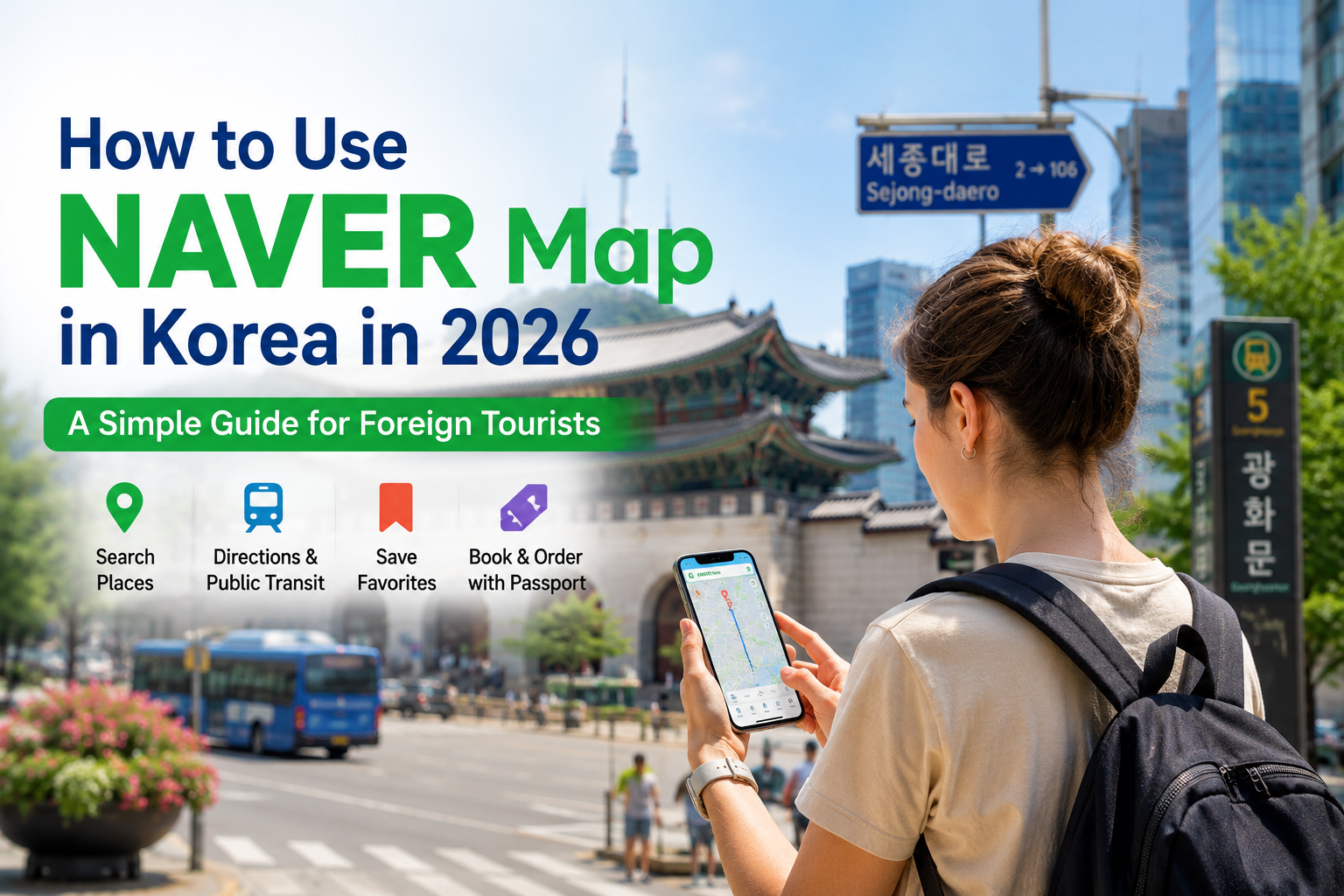
If you are traveling to South Korea, there is one app you should consider installing before you arrive: NAVER Map.
Many international travelers are familiar with Google Maps, but navigating Korea can be easier with a Korean map service that provides detailed local place information and public transportation routes.
NAVER Map lets you search for restaurants, cafés, attractions and other places, save locations, and find routes using public transportation and other travel modes.
The good news is that NAVER Map has become much easier for foreign tourists to use.
Here is a simple step-by-step guide.
📱 1. Download the NAVER Map App
Start by installing the NAVER Map app on your smartphone.
NAVER Map is available for both Android and iPhone.
📲 Download NAVER Map for Android (Google Play)
🍎 Download NAVER Map for iPhone & iPad (Apple App Store)
For travelers, I recommend using the mobile app rather than relying on the desktop website.
🌐 NAVER Map Official Website (Desktop — may display in Korean)
The NAVER Map desktop website may initially appear in Korean. For the easiest English-language experience, use the NAVER Map mobile app and change the language to English in the app settings.
Tip: Download the app before your flight and set the language while you still have a familiar internet connection.
🌐 2. Change NAVER Map to English
You do not have to navigate the app entirely in Korean.
NAVER Map supports multiple languages, including English.
On Android
Open NAVER Map and go to:
MY (profile icon) → Settings ⚙️ → Language → English
On iPhone
Go to:
MY → Settings ⚙️ → Language
You may then be directed to:
iPhone Settings → NAVER Map → Preferred Language → English
If the Preferred Language option does not appear, add English under your iPhone's Settings → General → Language & Region first.
Once this is done, using the app becomes much easier.
🔎 3. How to Search for Places
Let's say you want to visit Gyeongbokgung Palace.
Open NAVER Map and type the name into the search bar.
You can use English for many major tourist attractions and popular places.
The same method can be used to look for:
Restaurants · Cafés · Hotels · Shopping · Museums · Markets · Subway stations · Tourist attractions
When you open a place page, check its location and available information before visiting.
💡 A Useful Trick
If you cannot find a small restaurant or local café using its English name, try copying and pasting its Korean name into NAVER Map.
For example, if you found a restaurant on Instagram, a Korean blog or a travel website, copying the Korean place name can make finding the exact location much easier.
🚇 4. How to Get Directions
This is one of the most useful features for travelers.
Choose your destination and tap Directions.
Enter your starting point, such as:
My Location → Gyeongbokgung Palace
NAVER Map can then show route options using different modes of transportation.
For example, when traveling across Seoul, you can compare subway and bus routes before deciding which one is easier.
This is particularly useful in a city where several subway lines and bus routes may reach the same destination.
🚉 5. Using NAVER Map for the Subway
Don't be intimidated by Seoul's subway map.
NAVER Map can help you see where to board, where to transfer and where to get off.
A simple routine is:
Search destination → Directions → Public Transit → Choose a route → Follow the boarding and transfer information
Before leaving the subway station, also check the exit number shown for your destination when available.
In Seoul, choosing the right subway exit can save a surprising amount of walking.
🚌 6. NAVER Map Is Also Useful for Buses
Korean buses can initially feel more complicated than the subway because there are so many routes.
NAVER Map makes them much easier to understand.
After selecting a public transportation route, check the bus number, boarding stop, destination stop and arrival information shown in the app.
One small piece of advice: check the bus number and direction before boarding.
Two stops with similar names may serve buses traveling in opposite directions.
⭐ 7. Save Places Before Your Trip
This is one of the easiest ways to make NAVER Map genuinely useful.
Instead of searching for every restaurant or attraction again after arriving in Korea, save interesting places while planning your trip.
For example, you could organize places into categories such as:
Seoul Cafés / Restaurants / Shopping / Palaces / Busan / Places Near My Hotel
Then, once you arrive, your map becomes your own personal Korea travel guide.
🛂 8. New in 2026: Passport Verification for Foreign Travelers
This is one of the biggest improvements for international visitors.
NAVER introduced Passport Verification in June 2026.
Foreign visitors with passports issued outside Korea can use passport verification for supported travel-related NAVER services, including certain booking, ordering and payment services, without relying on Korean mobile-phone identity verification in the same way as before.
This is important because identity verification has traditionally been one of the frustrating parts of using some Korean online services as a visitor.
Booking, ordering, payment and passport-verification options may vary depending on the participating business, service, account or device. Check the options shown on the individual place page before making plans.
🍜 9. Use NAVER Map to Discover Local Korea
NAVER Map isn't useful only for getting from Point A to Point B.
It can also help you discover places that may not appear in a typical international travel guide.
Try searching around your hotel for:
Local restaurants · Bakeries · Cafés · Traditional markets · Parks · Neighborhood attractions
This is where NAVER Map can become particularly useful.
Instead of visiting only famous tourist spots, open NAVER Map and explore the neighborhood around your hotel. You may discover a small café, market or local restaurant that you would never have found otherwise.
Sometimes the most memorable meal in Korea isn't at the restaurant everyone already knows.
It is the little place you discover two streets away from your hotel.
💡 10. NAVER Map Tips to Remember
Before your trip, remember these simple rules:
- Set the app to English before you start exploring.
- Save your hotel and important destinations in advance.
- If an English search fails, try the Korean place name.
- Check your subway exit number carefully.
- Check the bus number and direction before boarding.
- For reservations or services requiring identity verification, check whether passport verification is available.
And keep another important location saved:
your hotel.
After a long day of sightseeing, shopping and eating your way through Seoul, being able to tap one saved location and find your way back is surprisingly valuable.
🇰🇷 Final Thoughts
Traveling in Korea becomes much easier once you have a reliable way to find places and understand public transportation.
NAVER Map combines place discovery, route planning, public transportation information, saved locations and increasingly accessible travel services for foreign visitors in one app.
You do not need to understand every feature on your first day.
Start with three things:
Search. Save. Navigate.
Once you become comfortable with those, NAVER Map can become one of the most useful tools on your trip to Korea.
And sometimes the best part of a journey begins when you stop looking only for famous places—and start exploring the neighborhood around you.
Welcome to Korea, and enjoy the journey. 🇰🇷
※ App menus and available booking, ordering, payment or verification features may change over time and may differ depending on the participating business, device or account.


